Pick the bill
Choose any bill you already pay through EndowPay
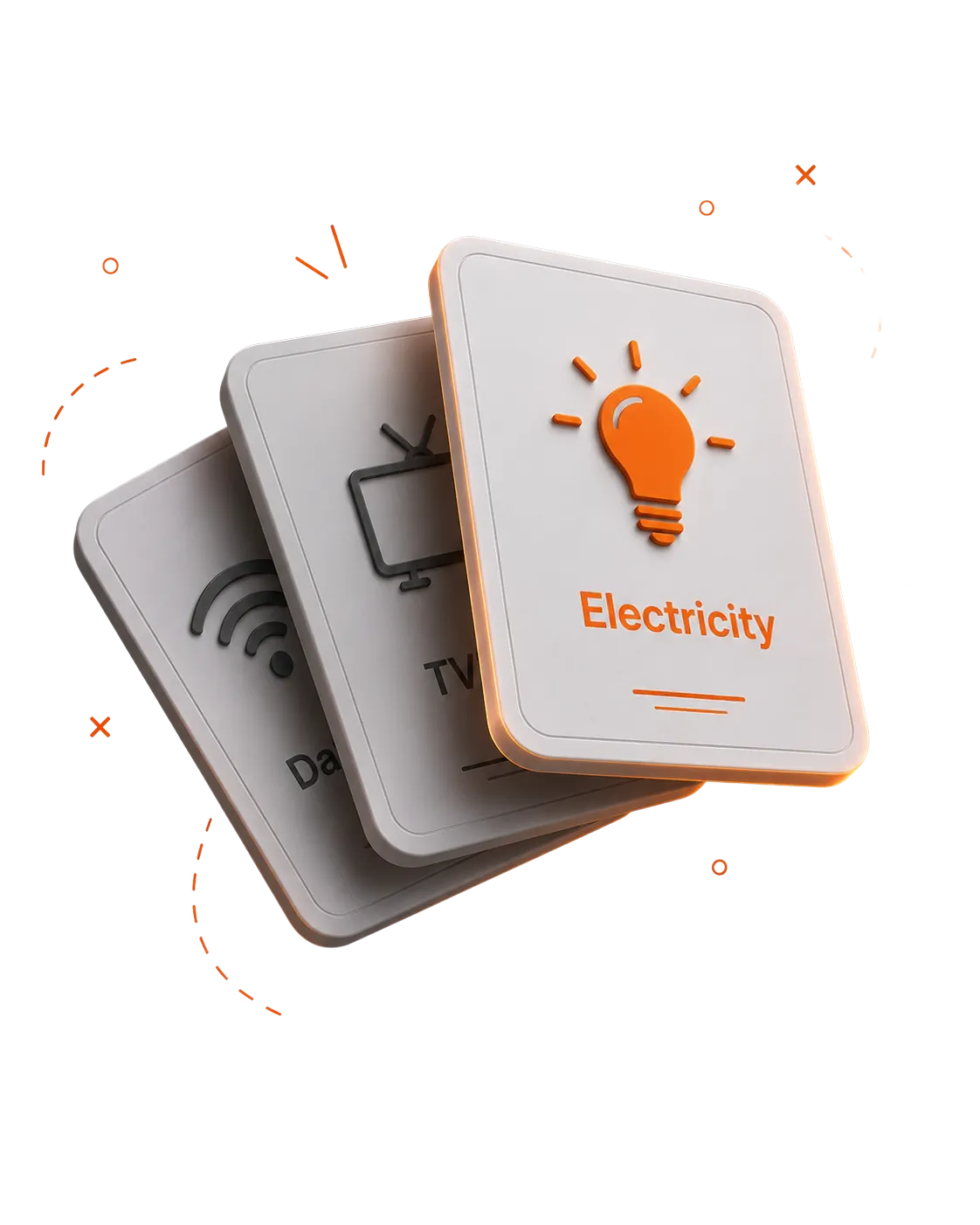
Select service, pick a date, set frequency. EndowPay pays it on time, every time.
Schedule a payment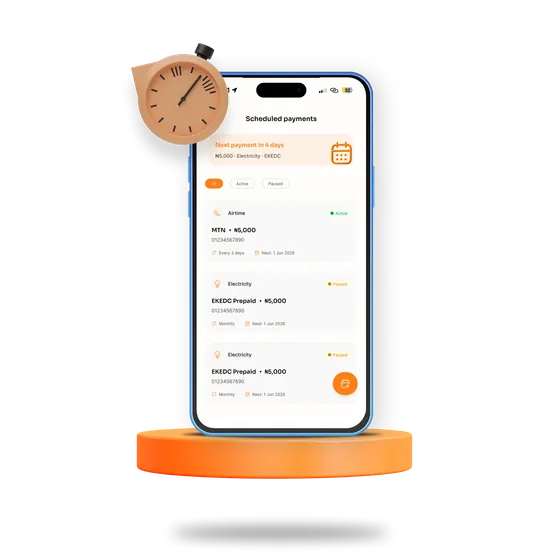
Choose any bill you already pay through EndowPay
Daily, weekly, monthly, or a custom interval.
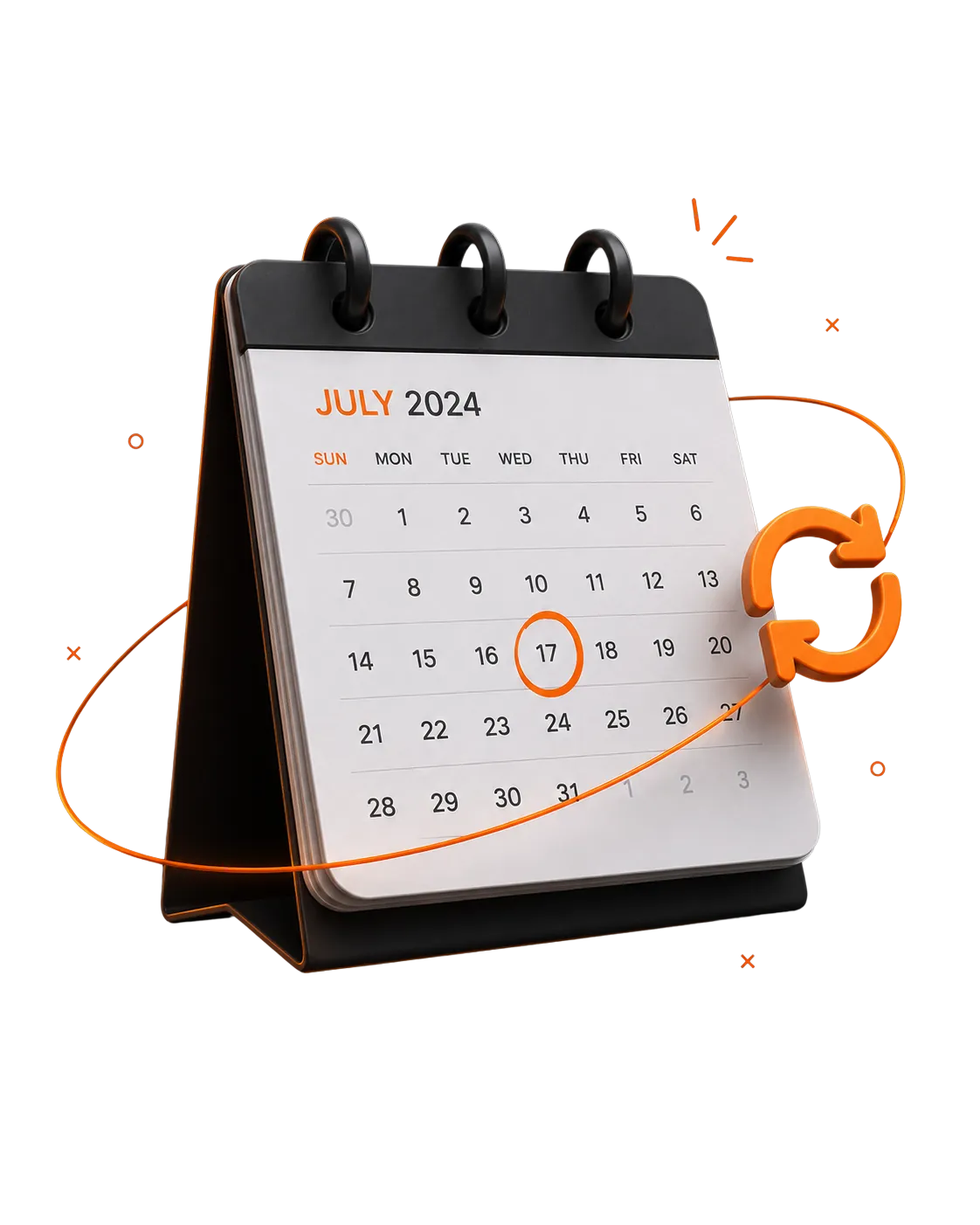
We'll pay it on time, every time and notify you 24 hours before every debit

SMART SKIP
If your wallet's low when a payment is due, we skip that run and notify you, instead of retrying and failing repeatedly. No bounce fees,no embarrassing failed payments.
Schedule a payment today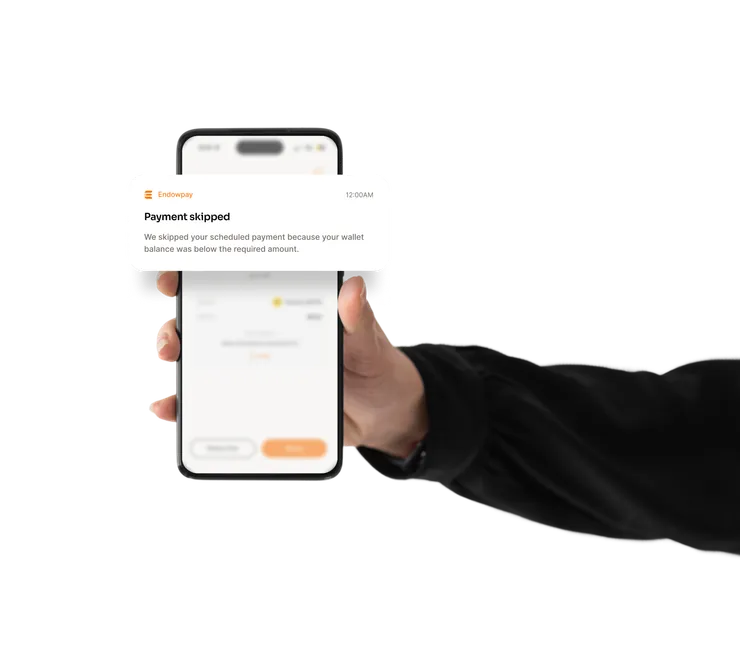
EndowPay keeps each schedule easy to review and adjust before the next payment runs.
EndowPay keeps each schedule easy to review and adjust before the next payment runs.
EndowPay keeps each schedule easy to review and adjust before the next payment runs.
EndowPay keeps each schedule easy to review and adjust before the next payment runs.
EndowPay keeps each schedule easy to review and adjust before the next payment runs.
EndowPay keeps each schedule easy to review and adjust before the next payment runs.
Ask any questionshello@endowco.com
Select service, pick a date, set frequency. EndowPay pays it on time, every time.
Choose any bill you already pay through EndowPay.
Daily, weekly, monthly, or a custom interval.
We will pay on time and notify you before every debit.
Build the rhythm that fits your bills and your balance.
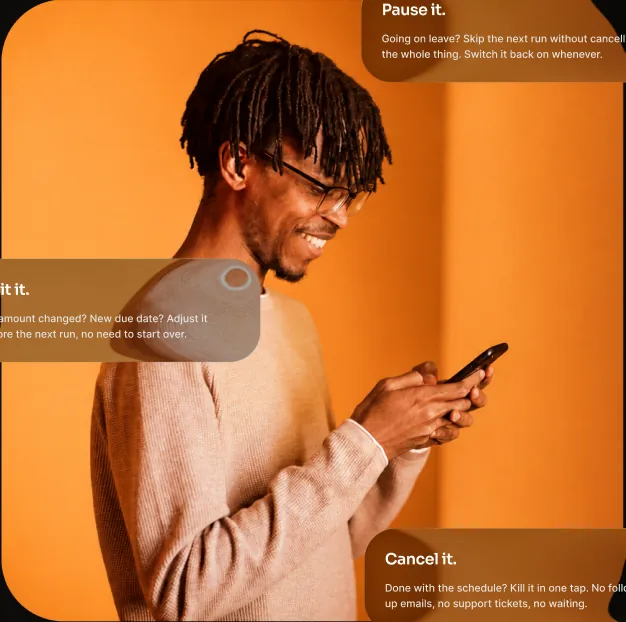
Going on leave? Skip the next run without cancelling the whole thing. Switch it back on whenever.
Bill amount changed? New due date? Adjust it before the next run, no need to start over.
Done with the schedule? Kill it in one tap. No follow-up emails, no support tickets, no waiting.
Going on leave? Skip the next run without cancelling the whole thing. Switch it back on whenever.
Bill amount changed? New due date? Adjust it before the next run, no need to start over.
Done with the schedule? Kill it in one tap. No follow-up emails, no support tickets, no waiting.
SMART SKIP
If your wallet's low when a payment is due, we skip that run and notify you instead of retrying and failing repeatedly. No bounce fees, no embarrassing failed payments.
Schedule a payment todayEndowPay keeps the flow simple and clear inside the app. You can review the details before every payment is confirmed.
EndowPay keeps the flow simple and clear inside the app. You can review the details before every payment is confirmed.
EndowPay keeps the flow simple and clear inside the app. You can review the details before every payment is confirmed.
EndowPay keeps the flow simple and clear inside the app. You can review the details before every payment is confirmed.